
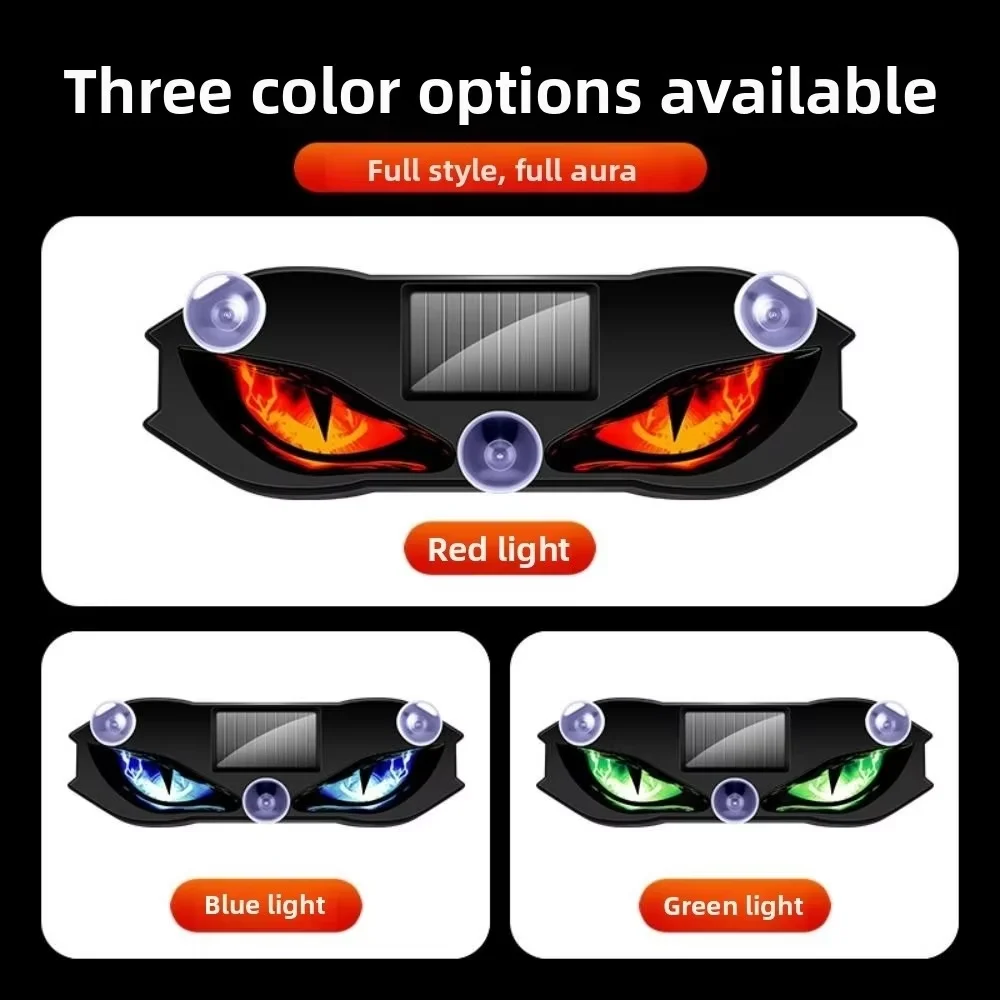
Description
⚠️ Important Testing & Daytime Operation Guide
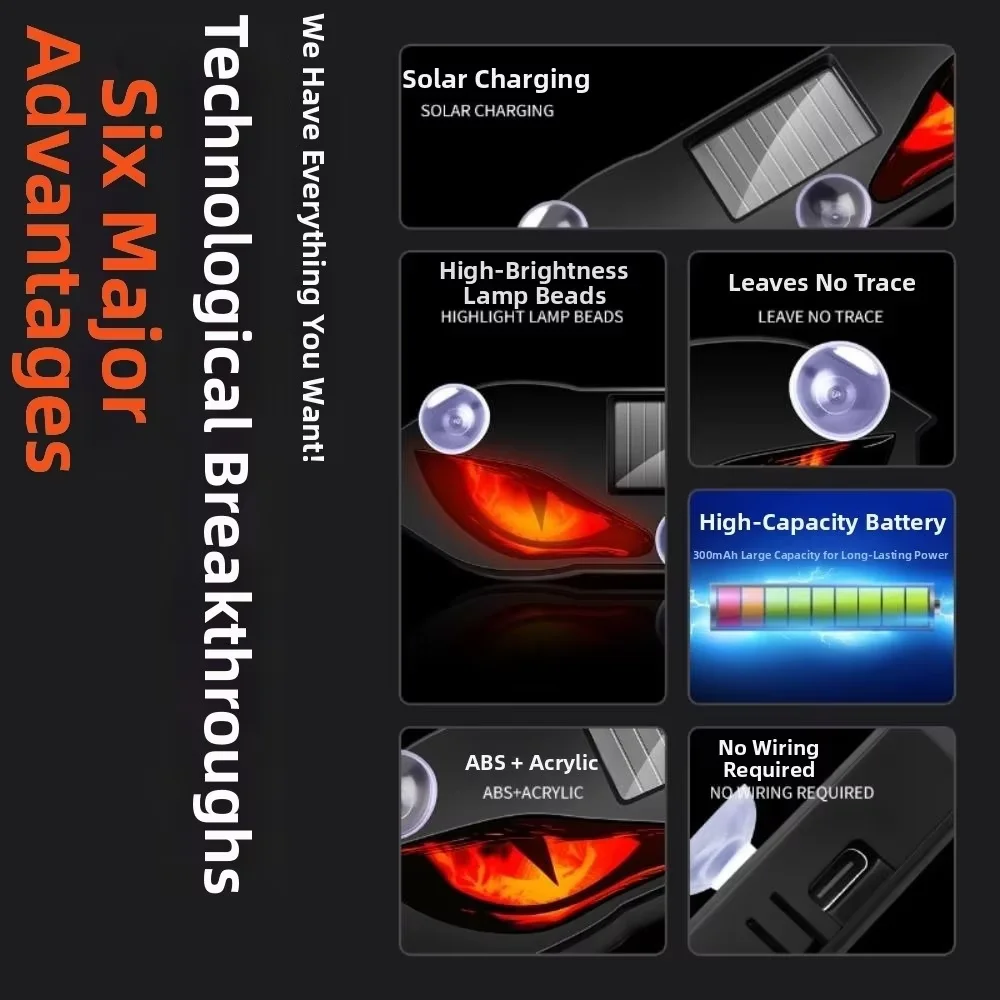
Because this product features an advanced, hyper-sensitive ambient light sensor, it is designed not to turn on in brightly lit environments to preserve battery life. Please follow these simple steps to test or operate your device during the day:
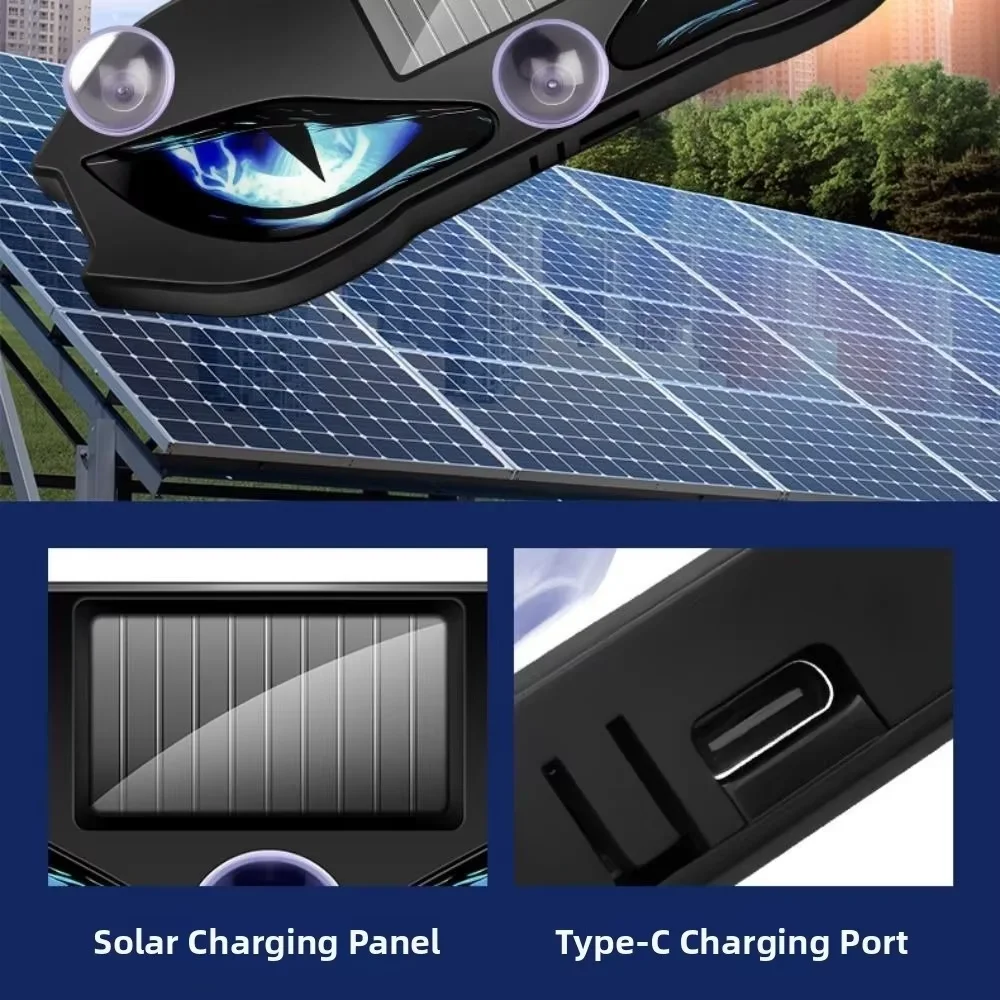
How to Test During the Day: Turn the physical power switch to the ON position. The light will remain off. To test the bulbs, simply cover the entire surface of the solar panel completely with your hand, a cloth, or a piece of cardboard to simulate darkness. The light will turn on instantly.
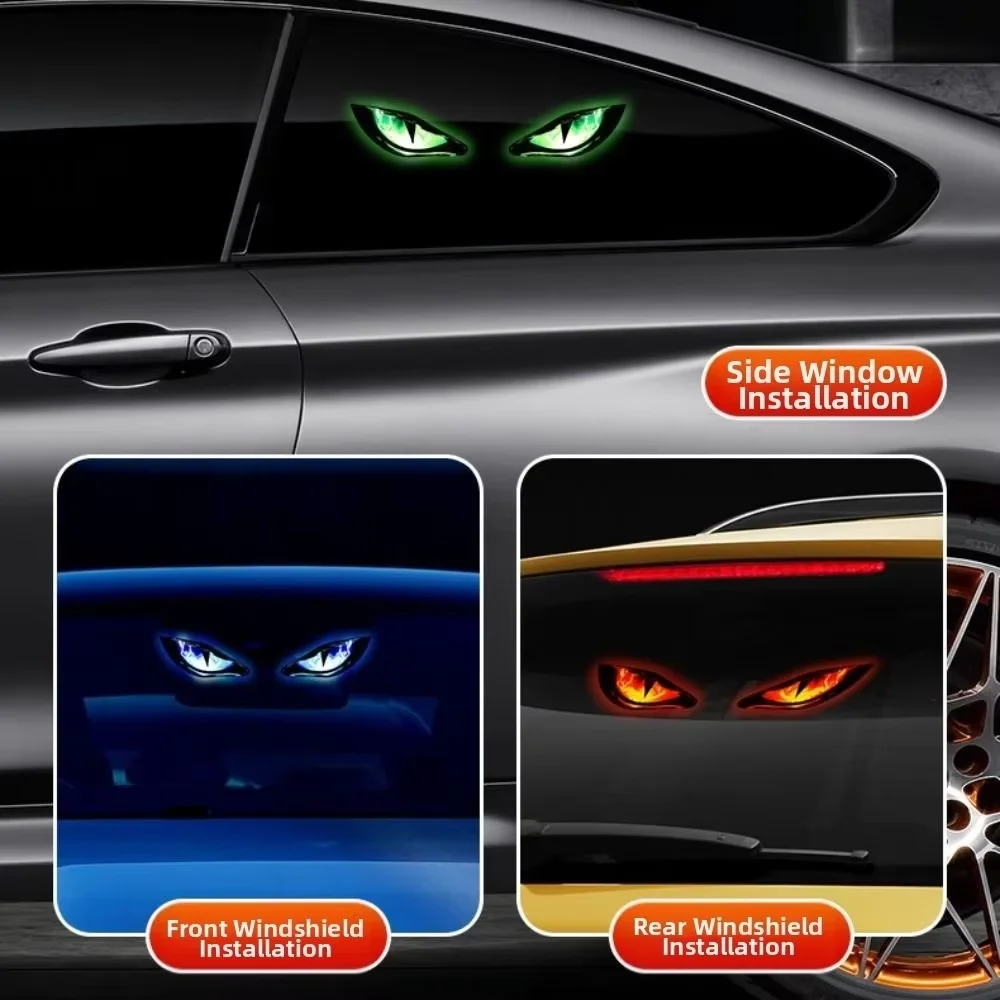
Automated Nighttime Operation: At night or inside a completely dark room, the sensor will automatically activate, turning the light on based on your chosen motion profile. It will turn itself off at sunrise to recharge.
Daytime Vibration Mode: If you need the light to operate in well-lit areas during the day, switch the device into Vibration Mode. In this setting, the ambient light sensor is bypassed, and the light will trigger instantly whenever it detects physical vibrations or movement nearby.
Reviews
There are no reviews yet.